
Guide
How to set up Moblin for SRTLA streaming
Connect Moblin on your iPhone to your cloud OBS server or SRTLA relay, either with one tap from your client area or by entering the details yourself.
The quick way: one-tap import
Every paid IRLhosting service has a quick setup in the client area. Open your service, choose iPhone (Moblin), and tap Import into Moblin on your phone, or scan the QR code with your iPhone camera. Moblin adds the stream with your server's details filled in. Then skip to the last step below and switch the stream on.
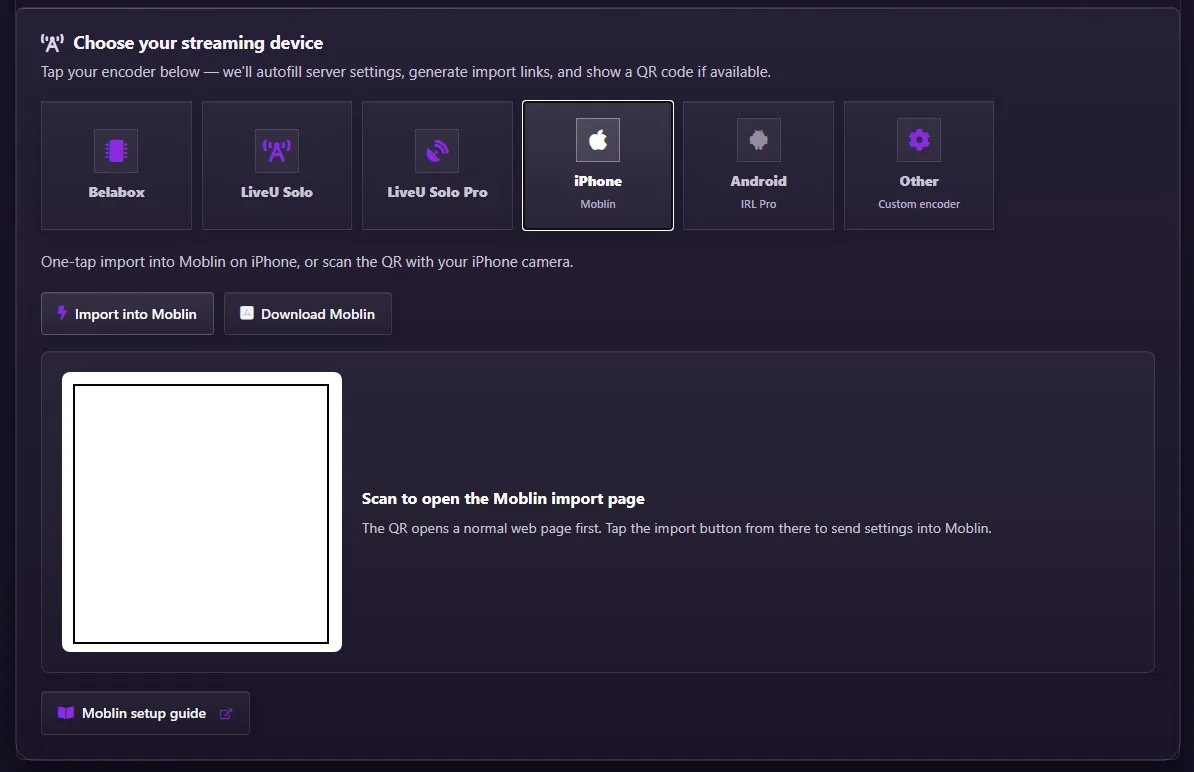
You can also make a setup QR code yourself with the Moblin QR code generator.
Manual setup, step by step
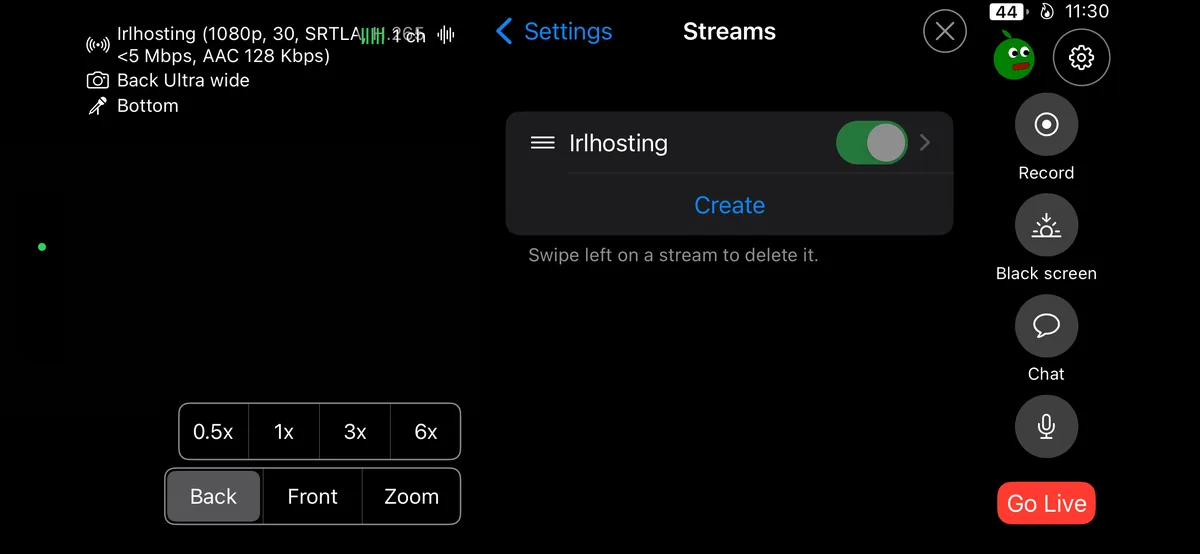
Open Streams
In Moblin, open Settings and tap Streams.
Create a stream
Tap Create.
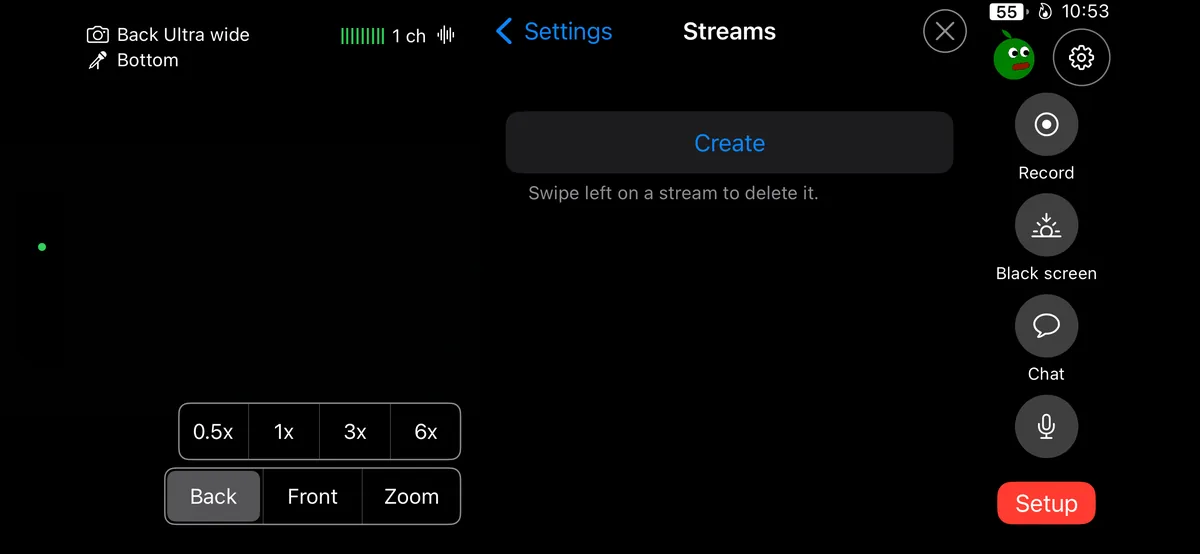
Choose Custom
From the platform list, choose Custom.
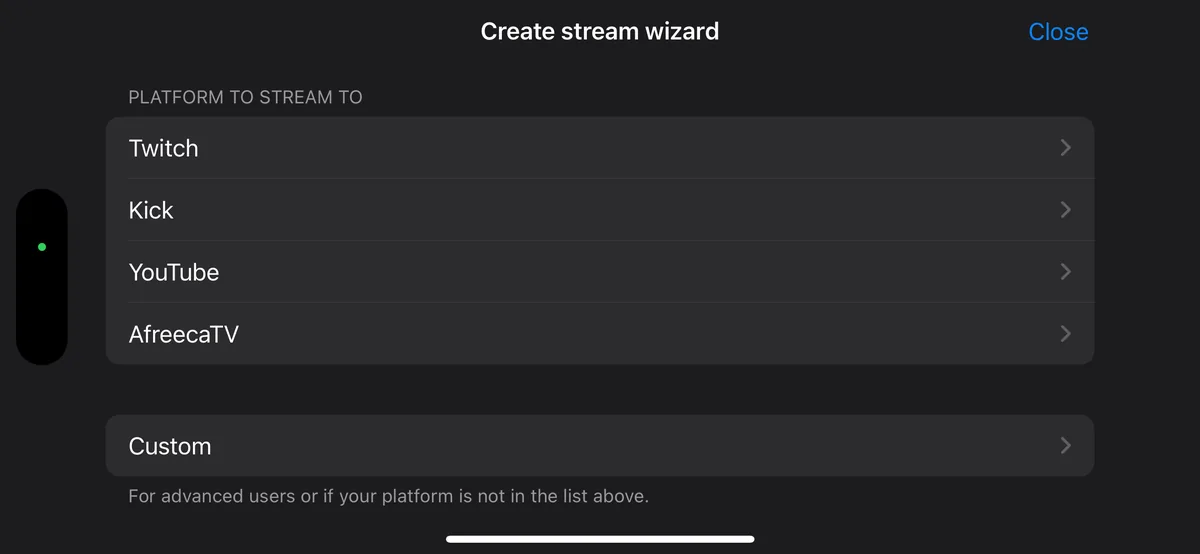
Choose SRT(LA)
Pick SRT(LA) as the protocol.
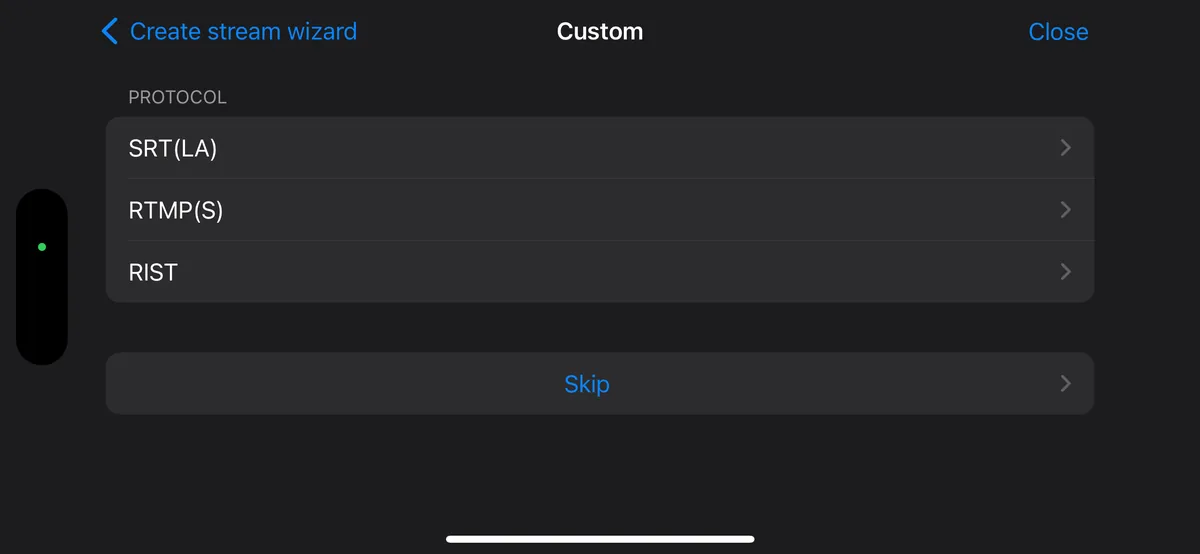
Enter your URL and stream ID
Copy the SRTLA URL (Moblin) and your stream ID from your service page under Services → My Services. The Moblin URL starts with
srtla://and uses port5000.Switch the stream on and go live
Back in Streams, turn on your new stream so it's the active one, then press Go Live.
Not sure what to enter? The SRT URL builder puts your server address and stream ID together in the right format for Moblin.
Don't turn on adaptive resolution
Leave Adaptive resolution off. When your bitrate is low it keeps changing the resolution, and those changes can crash OBS on the server. Let Moblin lower the bitrate instead.
Bitrate and bonding
- Start around 4–6 Mbps for 1080p and let Moblin lower it when your signal weakens. The bitrate checker rates a bitrate for your resolution and frame rate.
- Use the srtla:// address so Moblin can bond your phone's connections. A plain
srt://address on port 8282 uses one connection only. - Watch your data. At 6 Mbps you use about 2.7 GB an hour. Plan it with the data usage calculator.
- Streaming with a DJI camera? See DJI Osmo Pocket 3 with Moblin.
FAQ
Moblin setup: FAQ
How do I connect Moblin to my cloud OBS server?
Use the one-tap import on your service page, or add a stream yourself: Settings → Streams → Create → Custom → SRT(LA), then enter the srtla:// URL and stream ID from your service page.
Should I use srtla:// or srt:// in Moblin?
Use the srtla:// address on port 5000. It lets Moblin bond more than one connection. srt:// on port 8282 sends over a single connection.
Why shouldn't I use adaptive resolution in Moblin?
Frequent resolution changes at low bitrate can crash OBS on the server. Keep the resolution fixed and let Moblin lower the bitrate instead.
Is Moblin on Android?
No, Moblin is for iPhone. On Android, use IRL Pro; see the IRL Pro setup guide.
Get a server Moblin can import in one tap
Cloud OBS plans are set up for you, with one-tap imports for Moblin and IRL Pro.