The stream ends
A long enough gap and Twitch or Kick ends the broadcast. You have to start again from your phone, mid-street.
Disconnect protection
Tunnels, crowds, dead zones, a SIM that gives up. When your phone loses signal, your Cloud OBS server keeps the stream running on Twitch and Kick, shows a BRB scene with clips from your channel, and switches back the moment you reconnect.
How it works
Streaming straight from your phone to Twitch or Kick means every drop is a drop for your viewers. With Cloud OBS in the middle, the platform is connected to a server in a data centre that never loses signal.
 [LIVE]
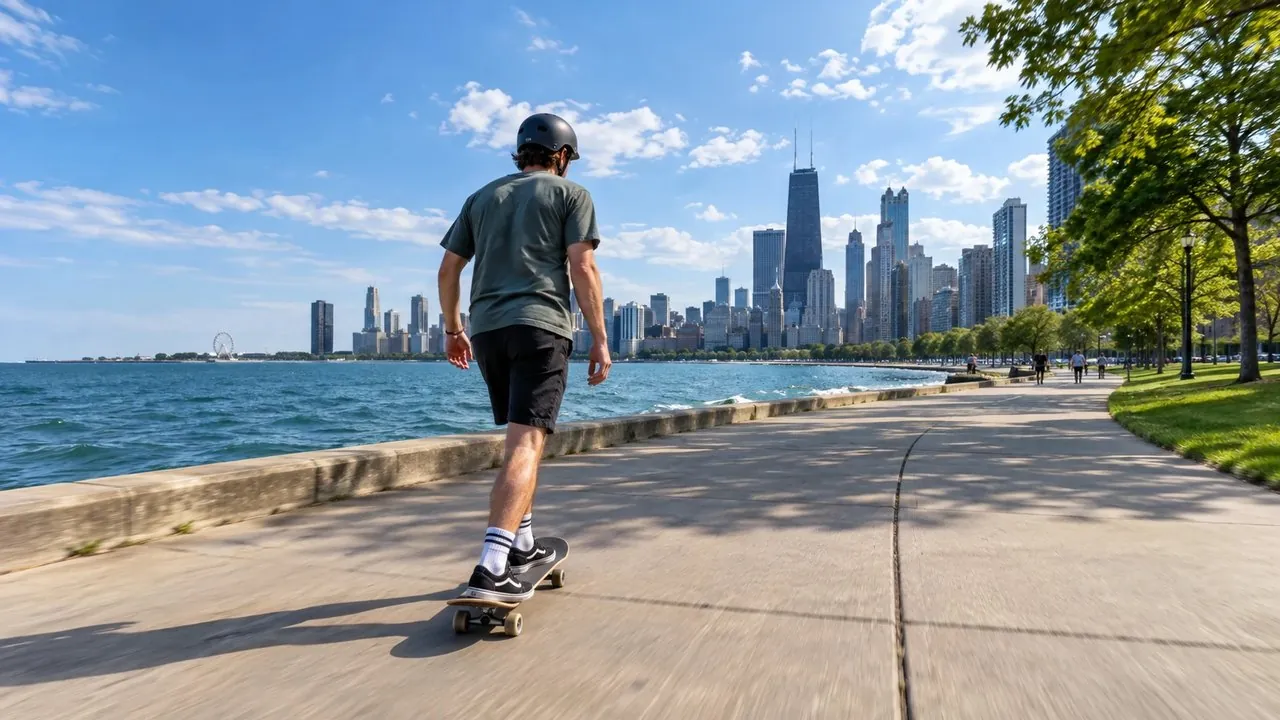
This is what your viewers see. Press the button to drop the signal, then press it again to come back.
What it saves you from
A long enough gap and Twitch or Kick ends the broadcast. You have to start again from your phone, mid-street.
Every restart is a new VOD, so highlights and clips end up scattered across several videos.
An offline screen sends people elsewhere, and raids or hosts that land during a drop find nothing.
What you get
FAQ
It keeps your stream online when your phone loses signal. Your Cloud OBS server stays connected to Twitch, Kick or YouTube, switches to a BRB scene while your video is missing, and switches back as soon as it returns.
Mobile data comes and goes: tunnels, crowds at events, switching cell towers, weak coverage and full SIM data caps all cause drops. Bonding several connections with SRTLA makes drops rarer, and disconnect protection covers the ones that still happen.
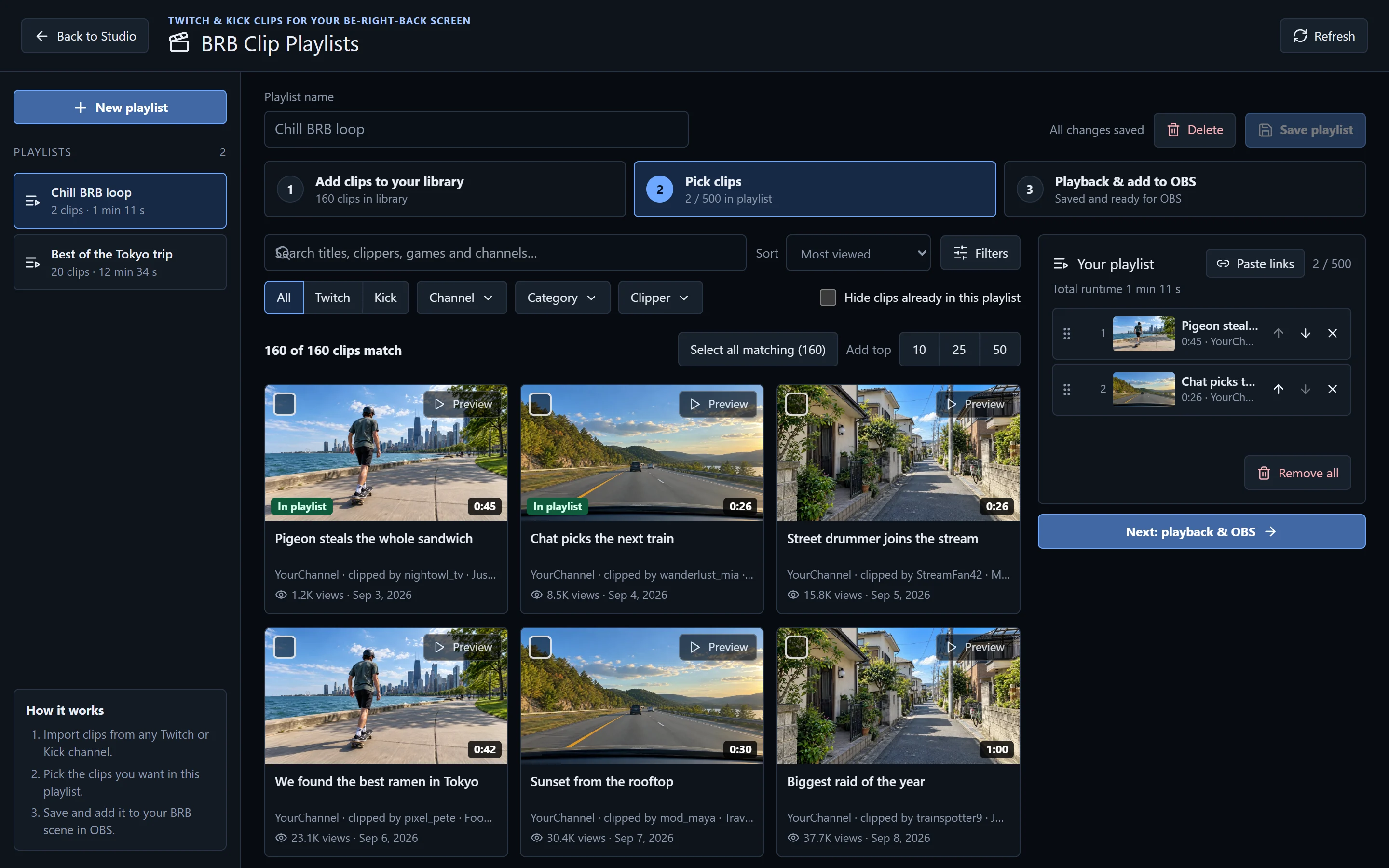
A "be right back" scene that viewers see while you are offline or reconnecting. With IRLhosting it plays clips from your own channel by default, so viewers have something to watch instead of a frozen frame.
Without a server in the middle, yes: when your phone stops sending, the platform sees the stream stop, and a long enough gap ends it and splits your VOD. With Cloud OBS the server keeps sending video the whole time, so the platform never sees a gap.
Yes. By default it plays clips from your channel. In IRLstudio you can build BRB clip playlists from any Twitch or Kick channel, shuffle them, credit the clipper and cap clip length, or use your own videos.
Yes. When your signal gets weak but hasn't dropped, the server can switch to a low-bitrate scene so viewers know the picture may be rough, then switch back when the connection recovers. Your mods can switch scenes with chat commands too.
It helps. Bonding two SIMs or a SIM and Wi-Fi with SRTLA means fewer drops in the first place. Every Cloud OBS plan accepts SRTLA, SRT, RIST, RTMP and ERTMP. Read what is SRTLA? for how it works.
All of them. Every Cloud OBS plan, from StreamSaver to Professional, gets the same disconnect protection. SimpleStreamer, from $14.99 a month, shows a BRB screen while you reconnect and can hand over to a backup phone, without a cloud OBS. Compare the plans.
Every Cloud OBS plan includes disconnect protection. Set up for you within 24 hours.