Preamble
Before proceeding in this guide, IRLhosting has quick import options built into all of our paid services. These quick import options can be found within your client area.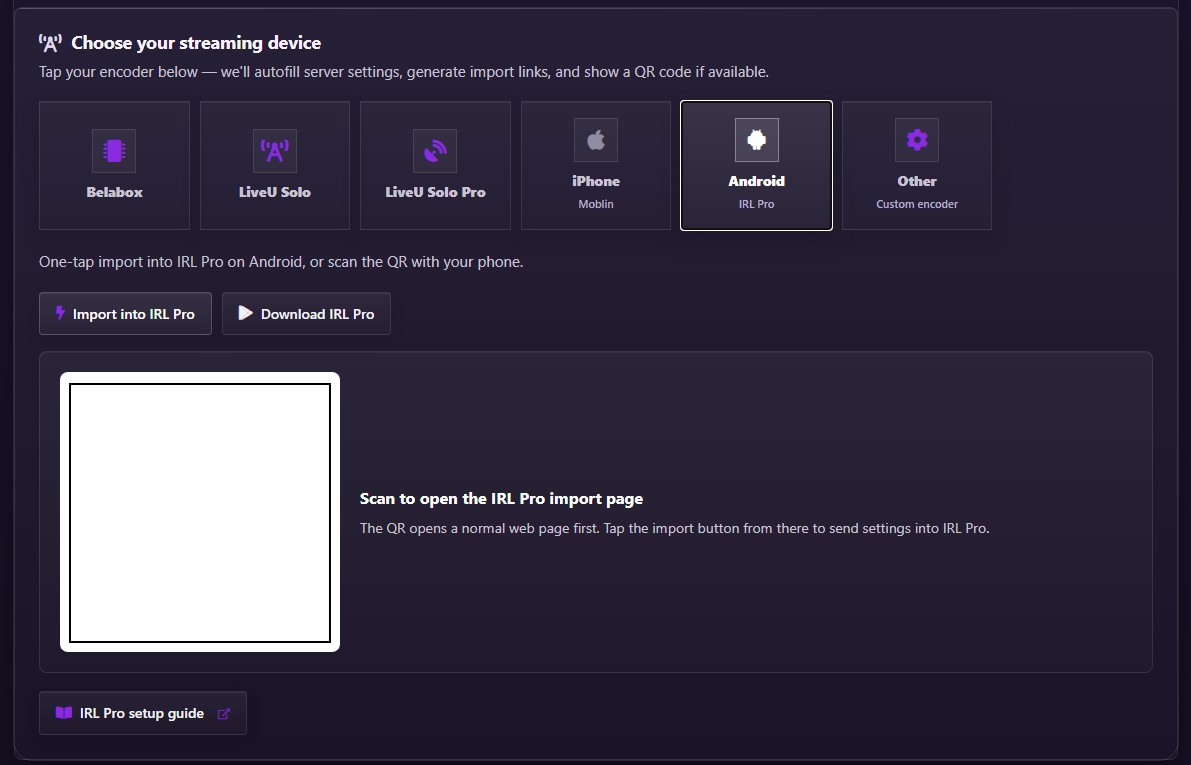
Step-by-Step manual IRLpro Configuration
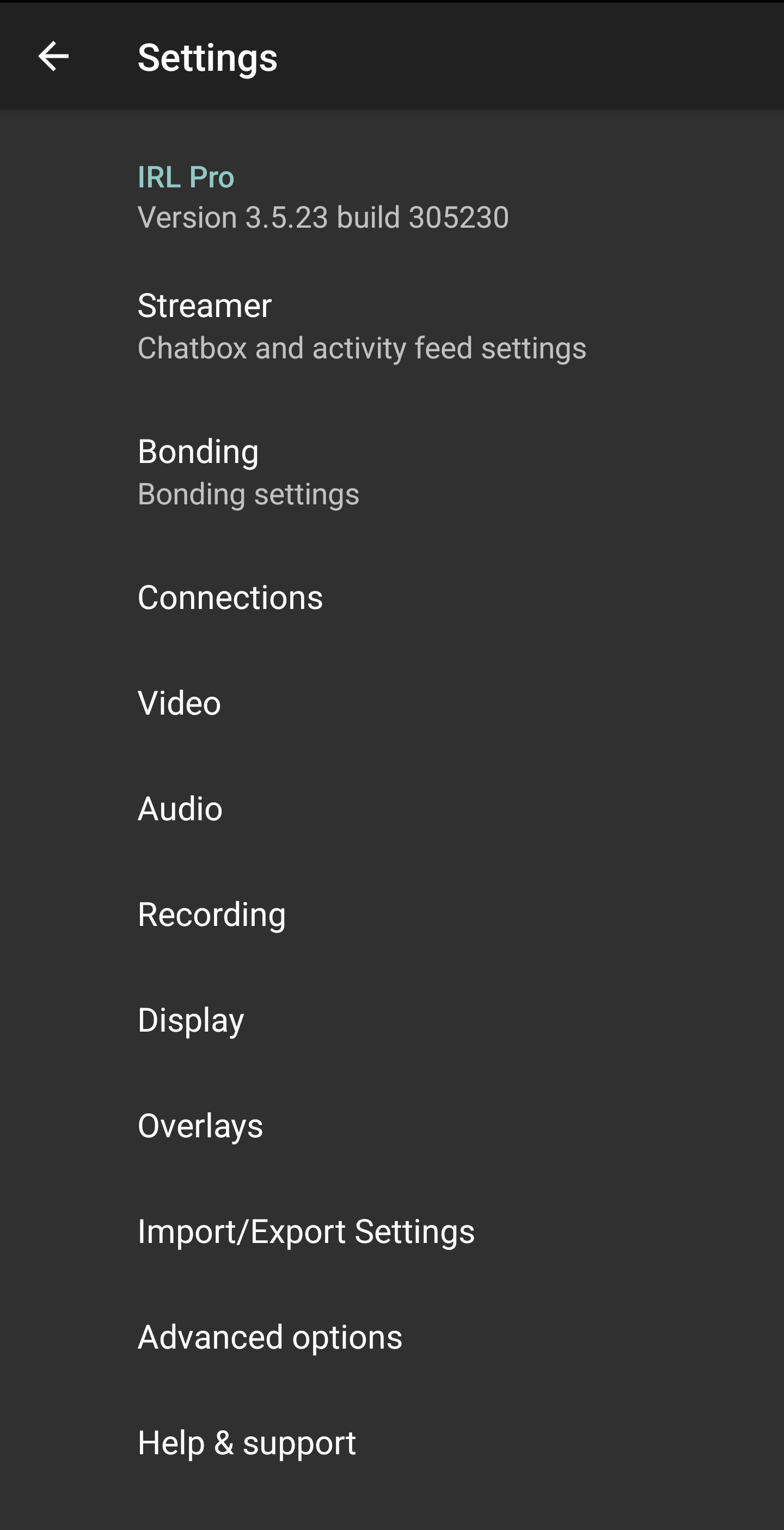
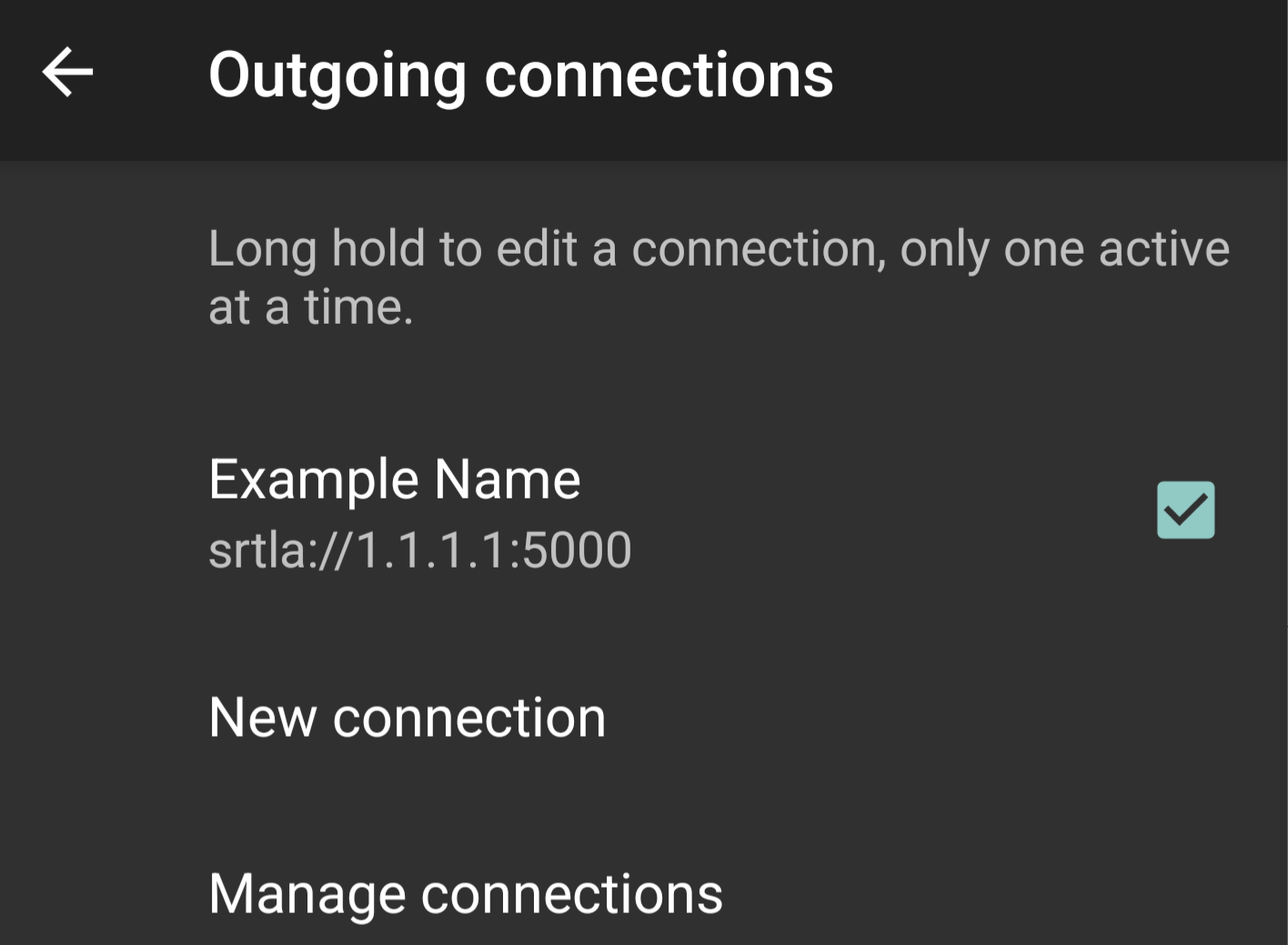
- Open IRLpro Settings and select "Connections"
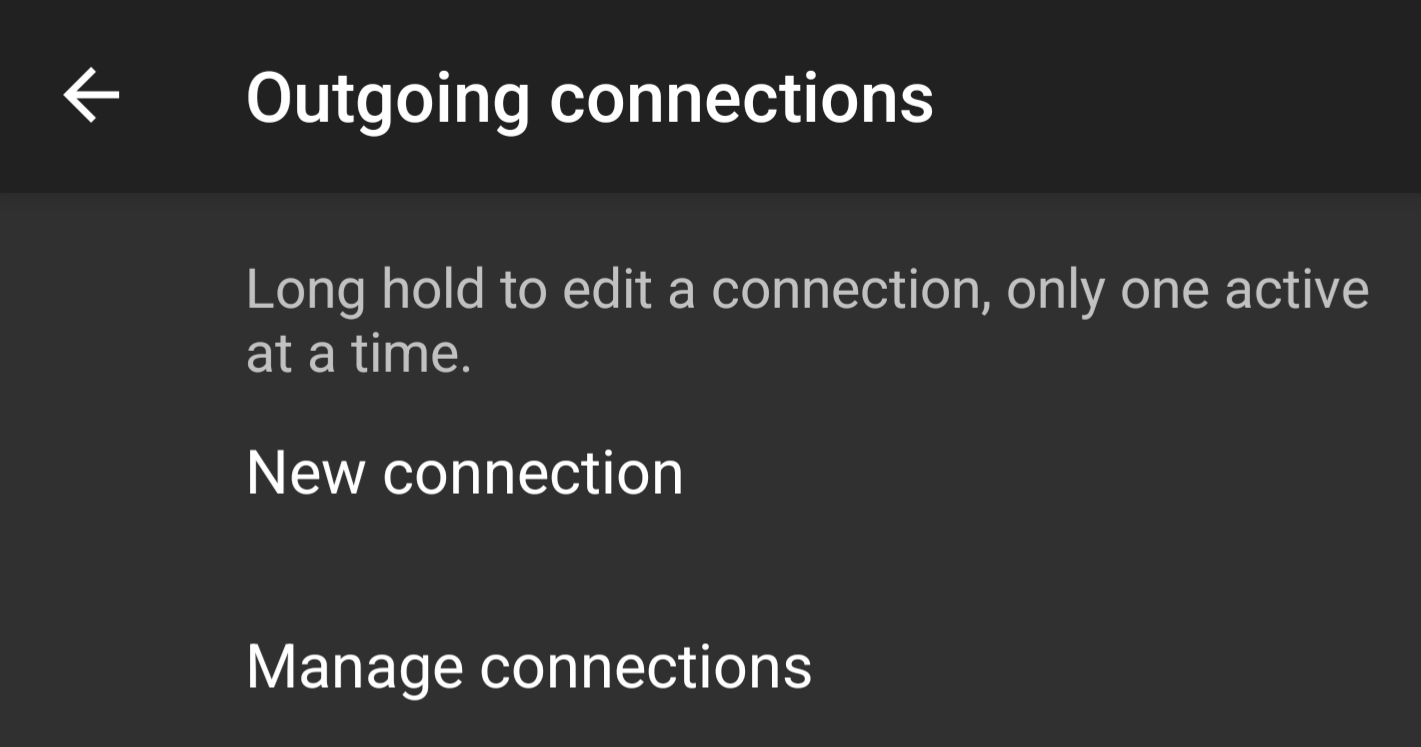
- Tap "New connection" to add a new stream
- Enter a name for the new connection in the "Name" field

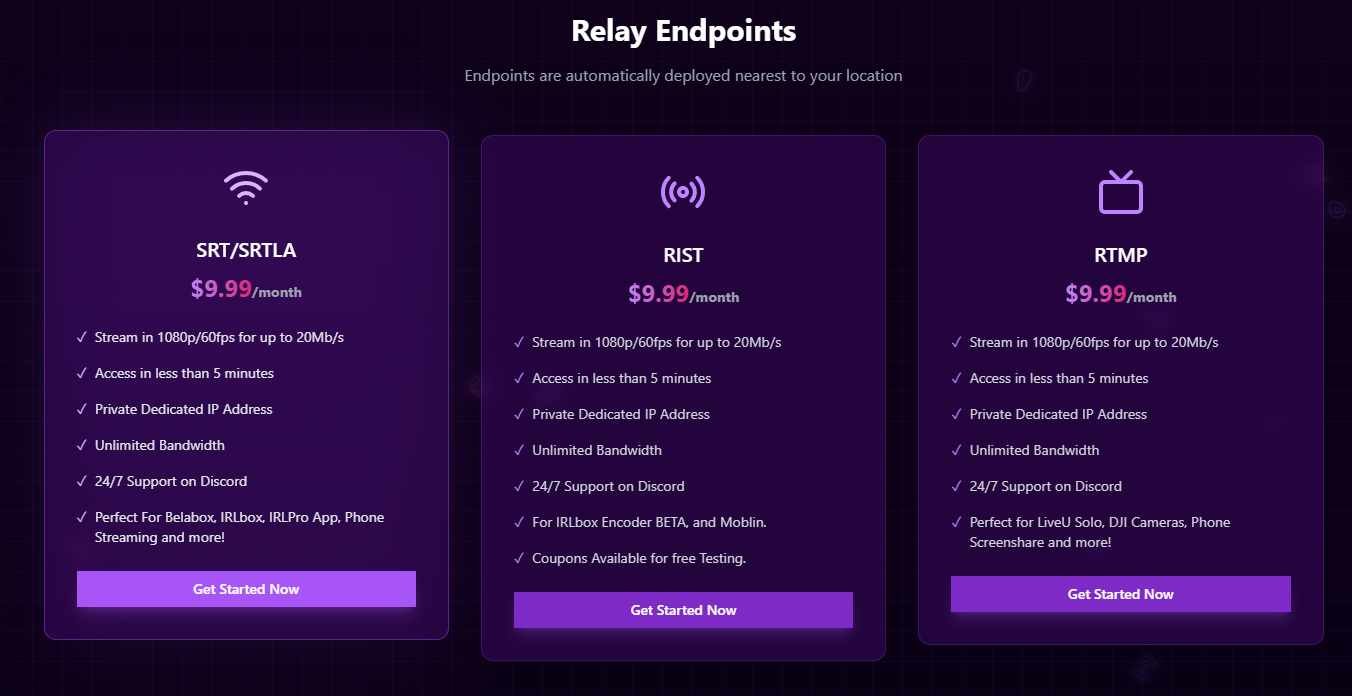
- Get SRT(LA) endpoint from https://IRLhosting.com (Cloud servers come with an endpoint provided)
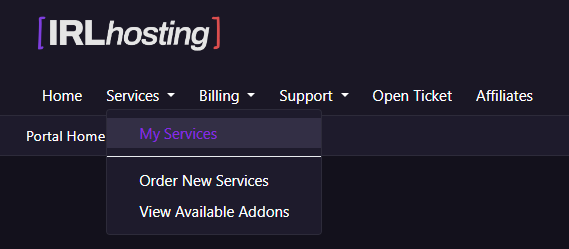
- Navigate to "My Services" on https://IRLhosting.com
- Enter your SRTLA URL, upon doing this more settings will be available. Enter your streamID and then click "SAVE"

- Select the streaming profile that was just created
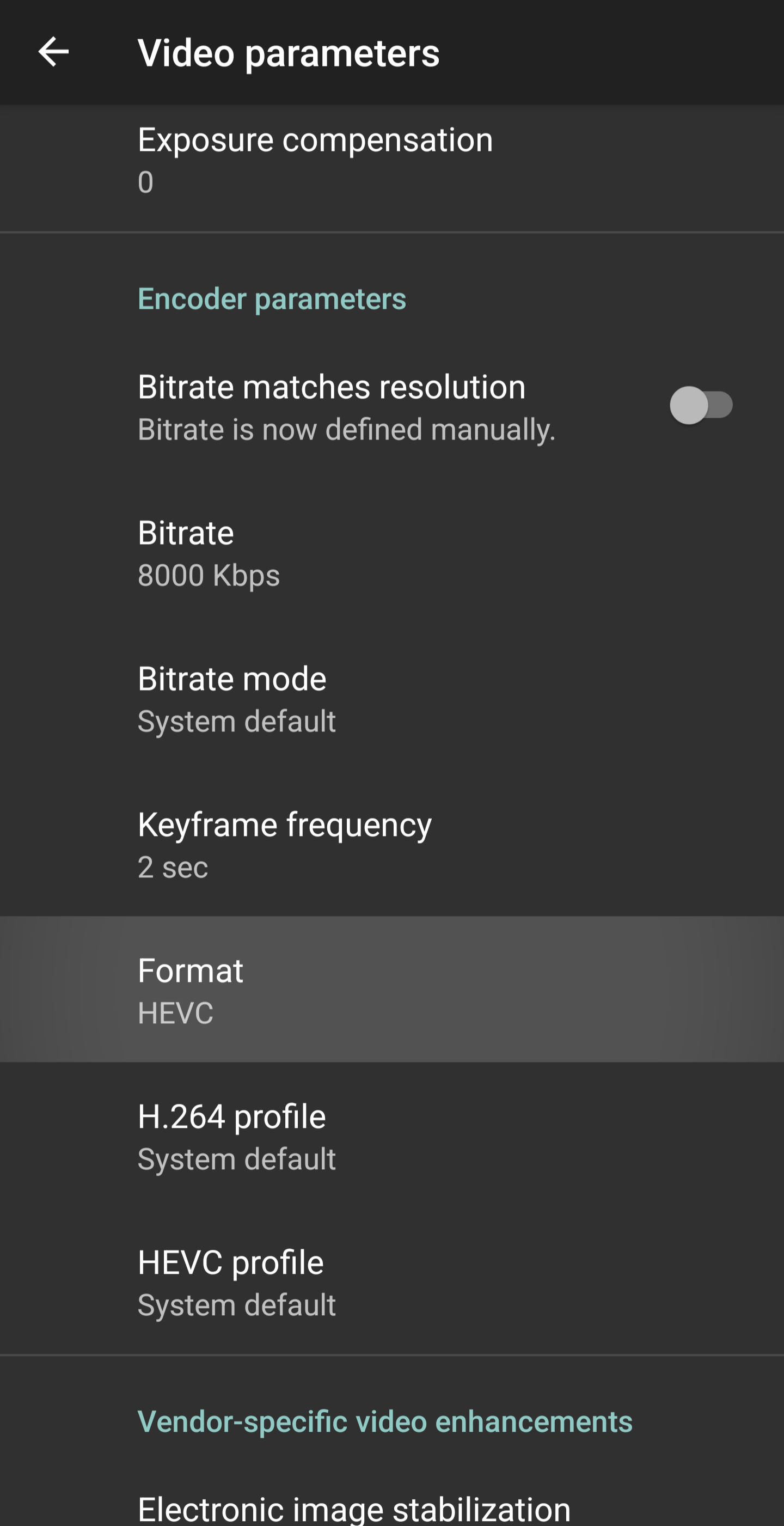
- Navigate back to the Settings page and select Video

- Set your desired video settings making sure the "Format" is set to HEVC
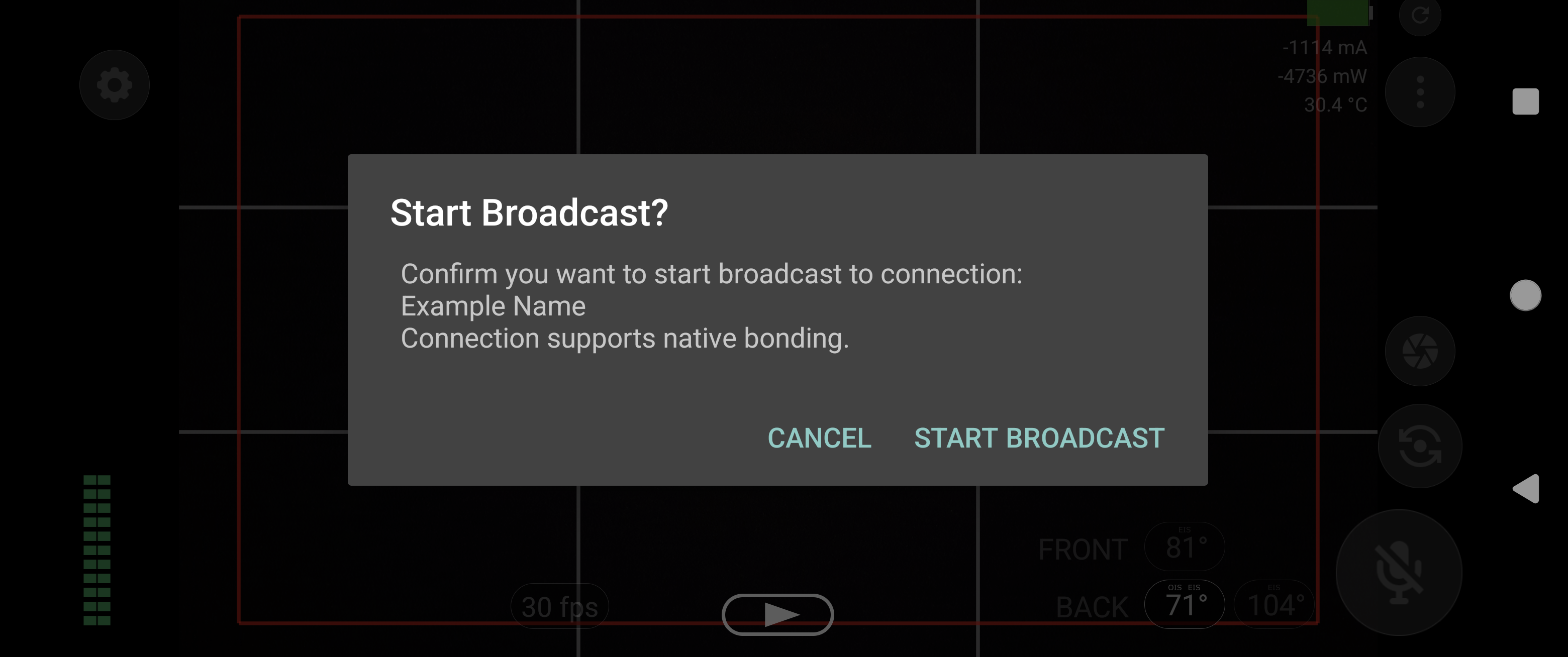
- Navigate back to the main app, click the "play" button and you're ready to stream after hitting "start broadcast!"