How to configure IRLpro
On this page
Preamble
Before proceeding in this guide, IRLhosting has quick import options built into all of our paid services. These quick import options can be found within your client area.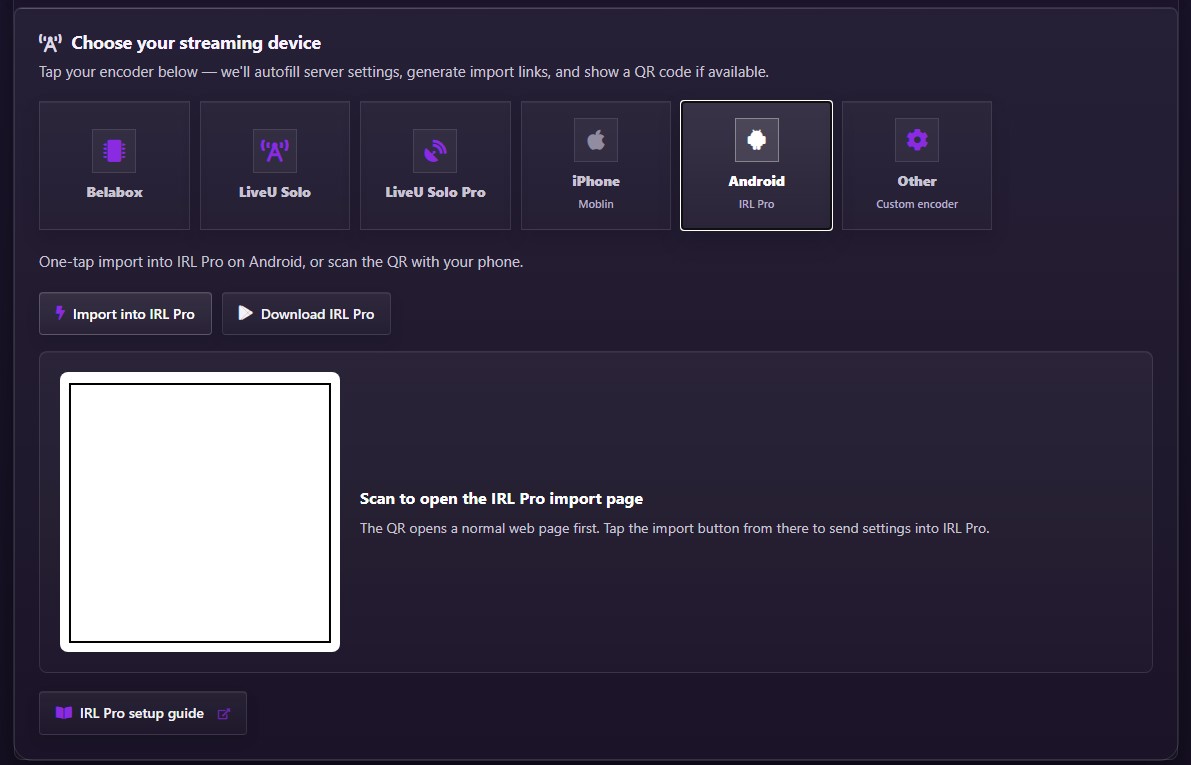
Step-by-Step manual IRLpro Configuration
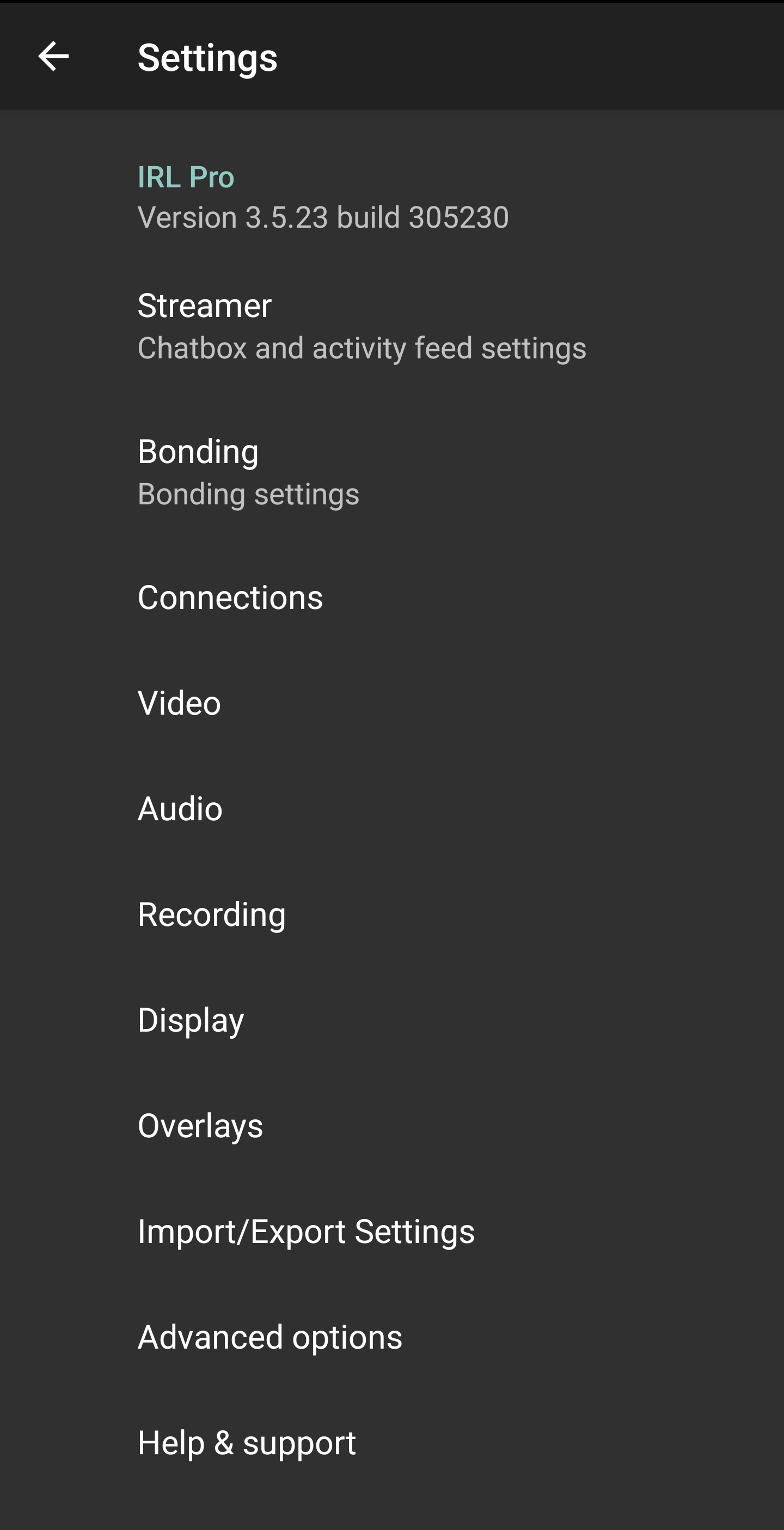
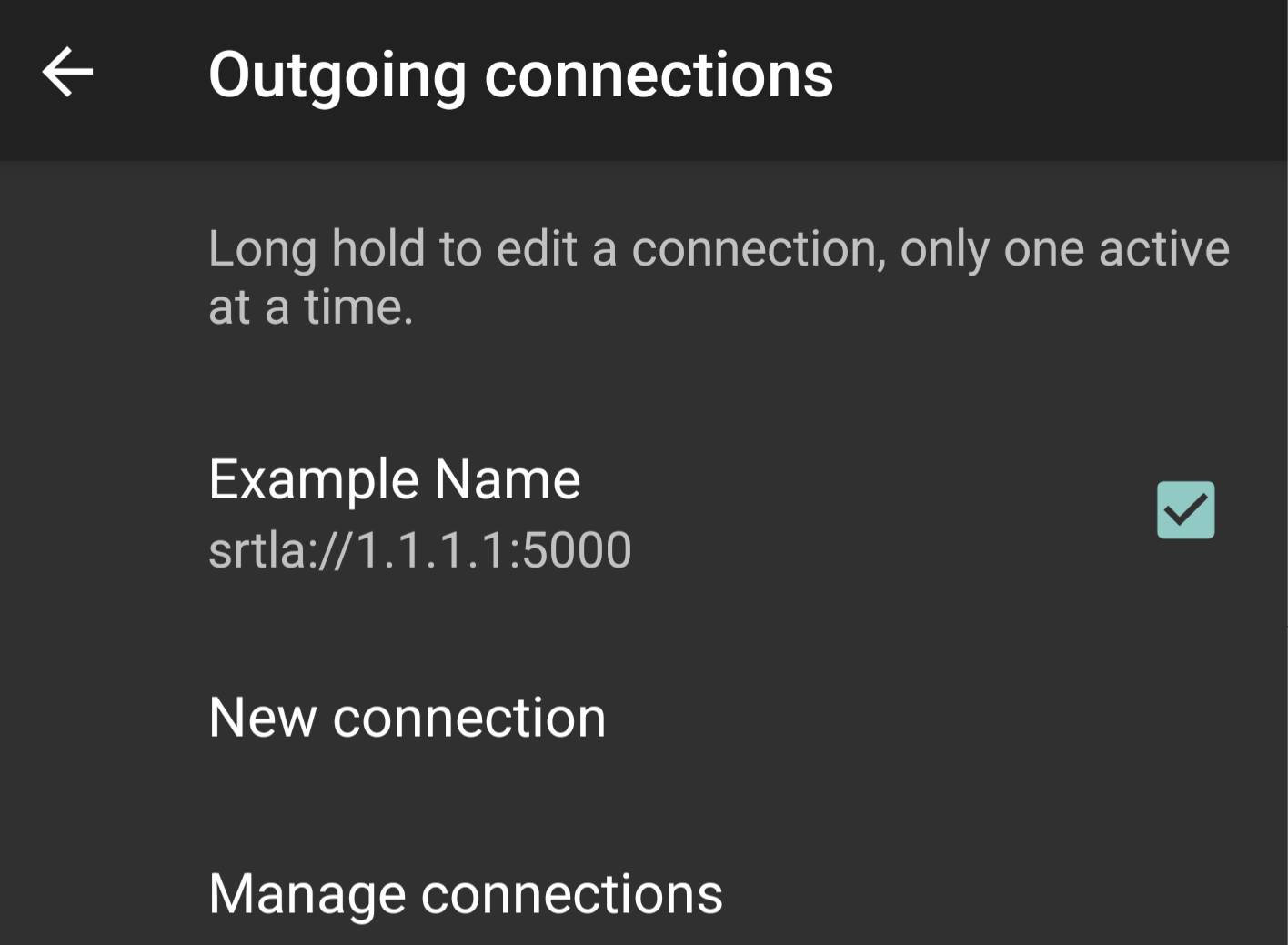
- Open IRLpro Settings and select "Connections"
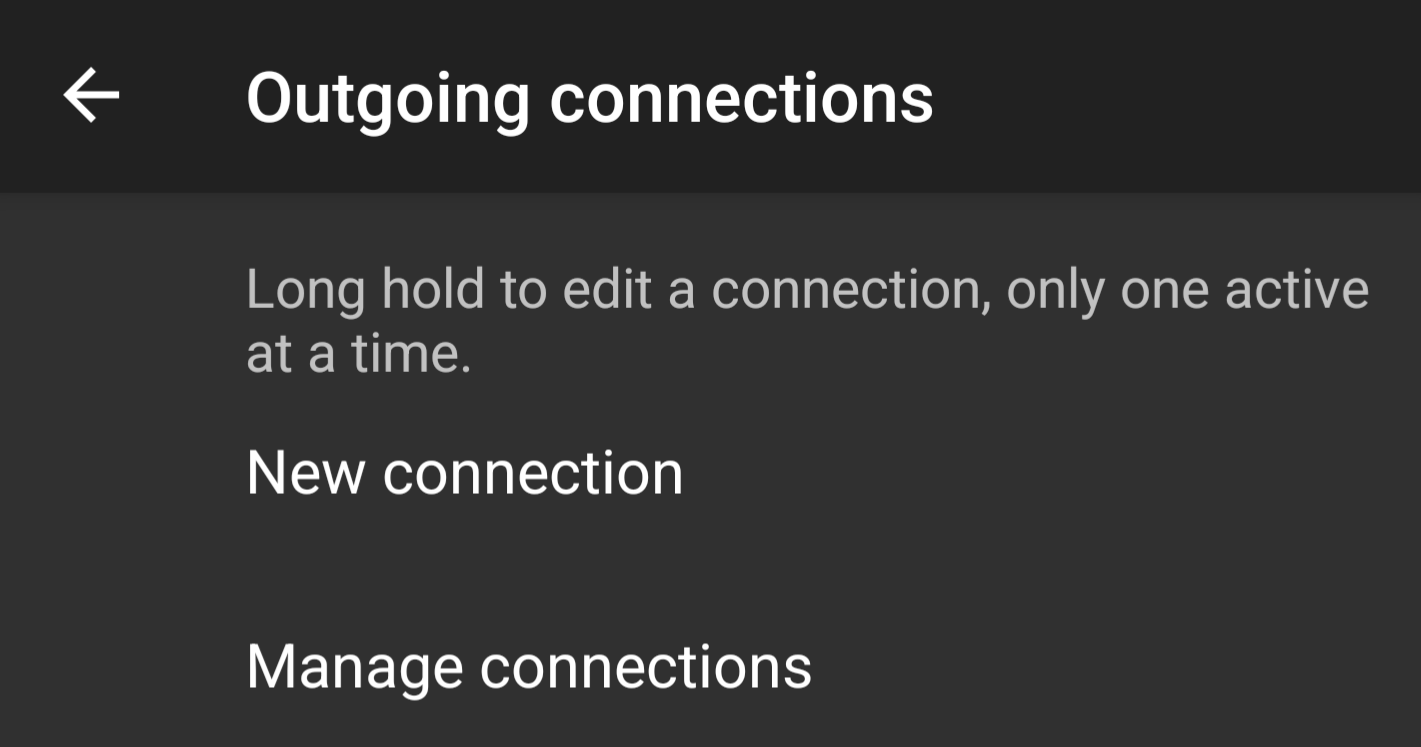
- Tap "New connection" to add a new stream
- Enter a name for the new connection in the "Name" field

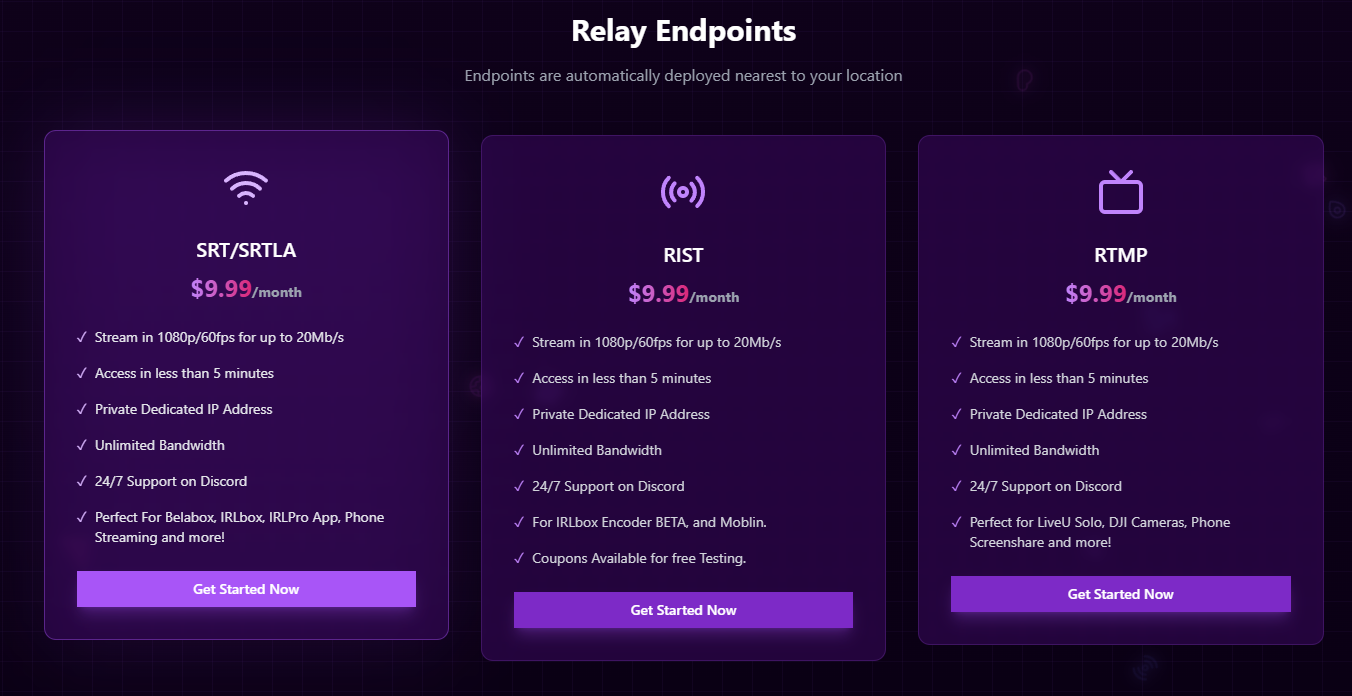
- Get SRT(LA) endpoint from https://IRLhosting.com (Cloud servers come with an endpoint provided)
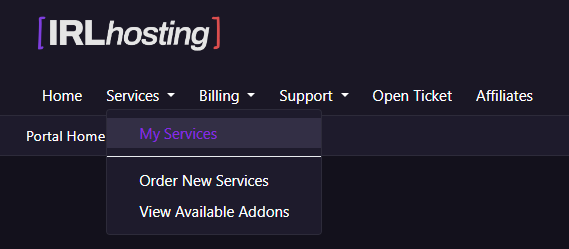
- Navigate to "My Services" on https://IRLhosting.com
- Enter your SRTLA URL, upon doing this more settings will be available. Enter your streamID and then click "SAVE"

- Select the streaming profile that was just created
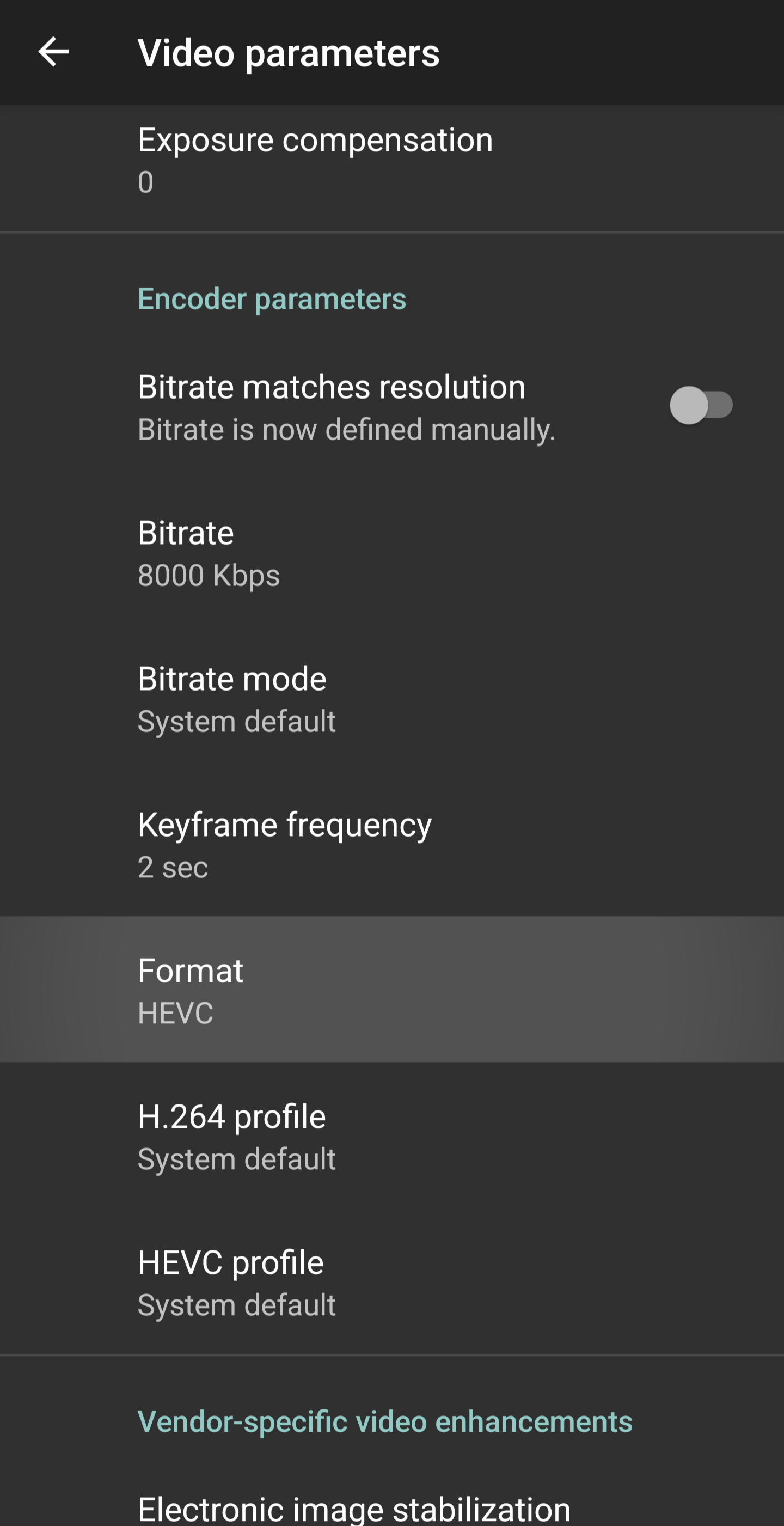
- Navigate back to the Settings page and select Video

- Set your desired video settings making sure the "Format" is set to HEVC
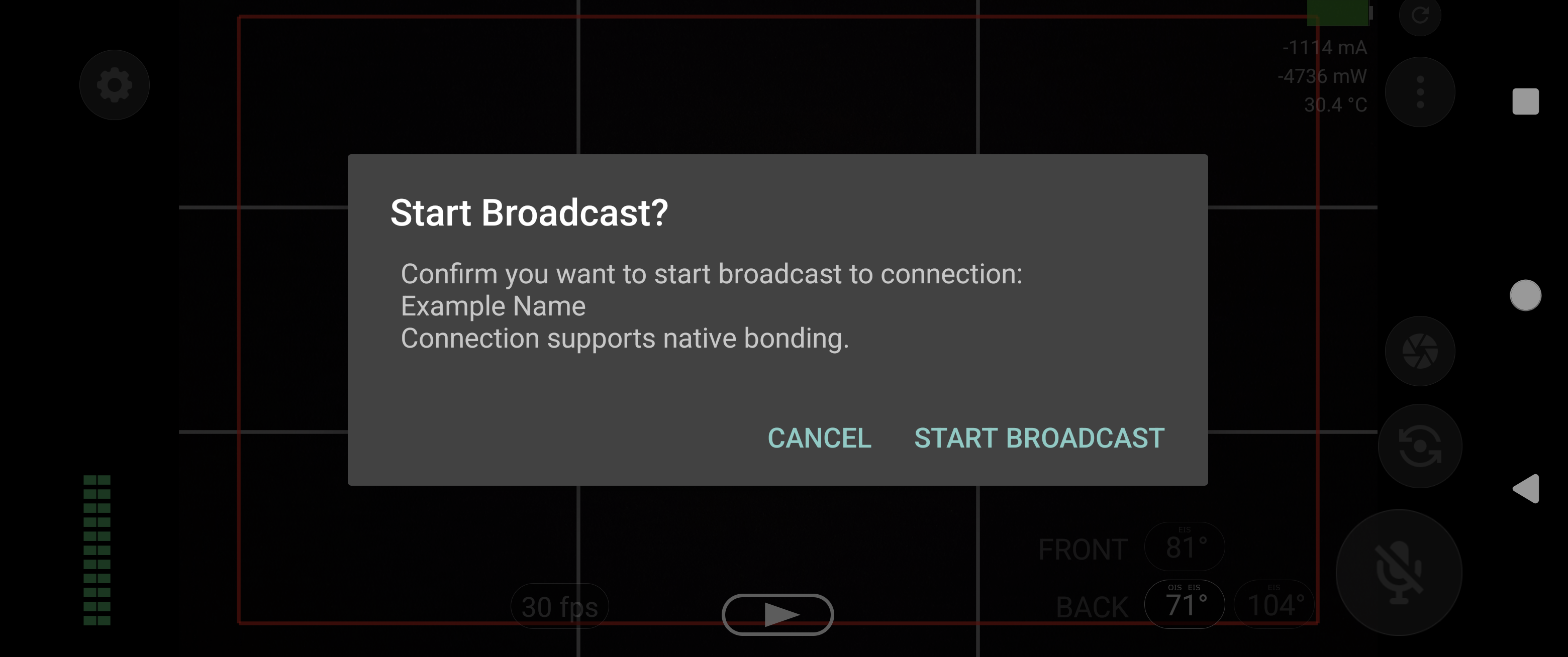
- Navigate back to the main app, click the "play" button and you're ready to stream after hitting "start broadcast!"