
RTMP Only - Not Recommended
DJI devices only support RTMP which has higher latency and less reliability than SRT/SRTLA. We strongly recommend using a device that supports SRT. If you must use a DJI device directly, in conjunction with cloud OBS please Contact support for RTMP ingest setup.
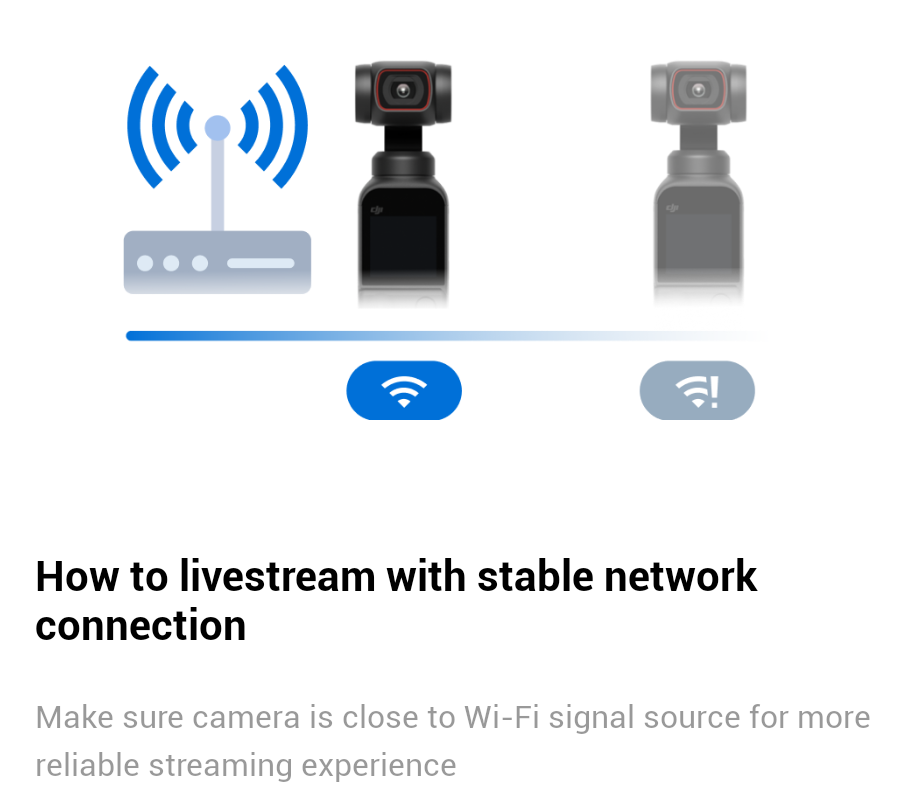
WARNING DJI devices are not intended to stream directly from using mobile networks. They are intended to be used in a stable, home network wifi streaming environment. If you would like to use them for IRL it is highly recommended to use them with an encoder like Belabox or an iOS device running Moblin. Streaming directly from a DJI device will result in poor/robotic audio quality and bad video results WARNING
-
Open Mimo App on your Phone
-
Connect to your DJI device
-
Connect to a network
-
Enter your RTMP URL
-
Select your streaming resolution
-
Start Livestream
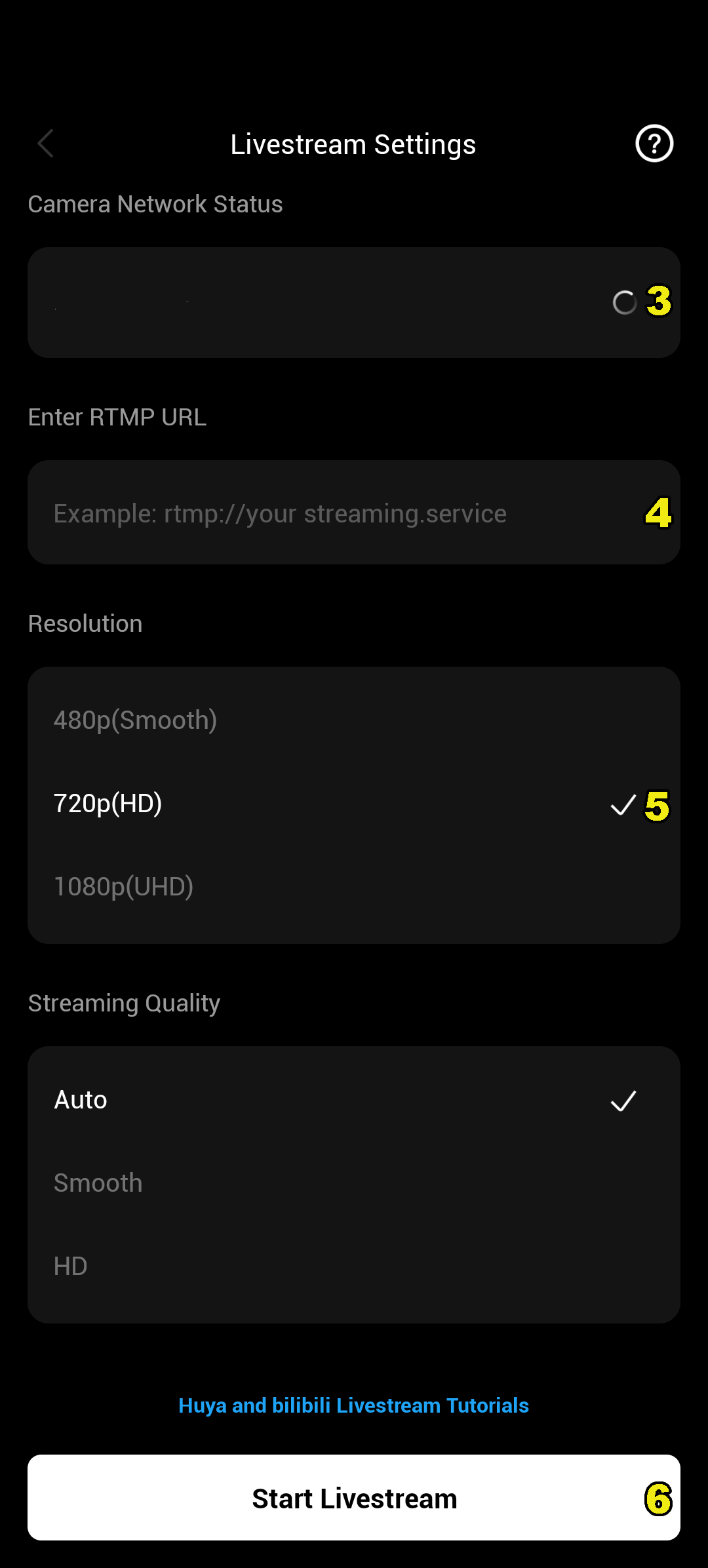
Streaming process:
-
Press the "Start Livestream" button, this sends audio/video to your OBS Instance
-
Use IRLremote+ or chat commands (Twitch/Kick only) to start your OBS Instance broadcasting to streaming platforms
