
Step-by-step how to configure IRLbox guide
- Connect your IRLbox to a local network and provide the device with power
- Go to irlbox.local in a browser from a computer on the same network as the IRLbox
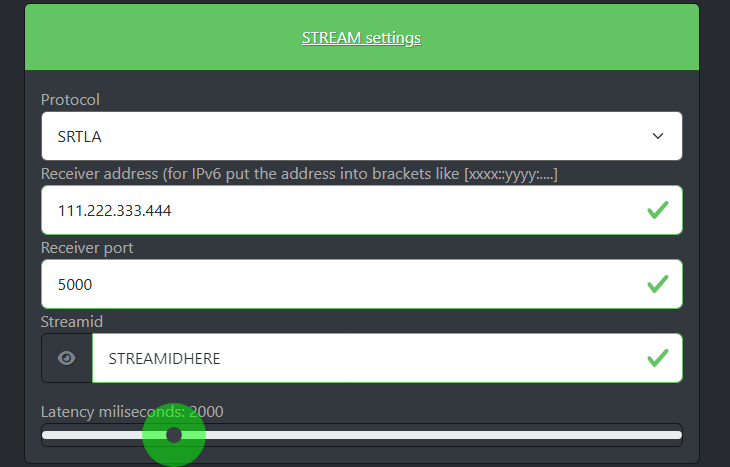
- Find the box that says "STREAM settings" and click on it

- Download and Select SRTLA if you plan on using SRTLA, select RIST, SRT or RTMP if you plan on using the other protocols

- Get an endpoint for the protocol you wish to use from IRLhosting (Cloud servers come with an endpoint provided)
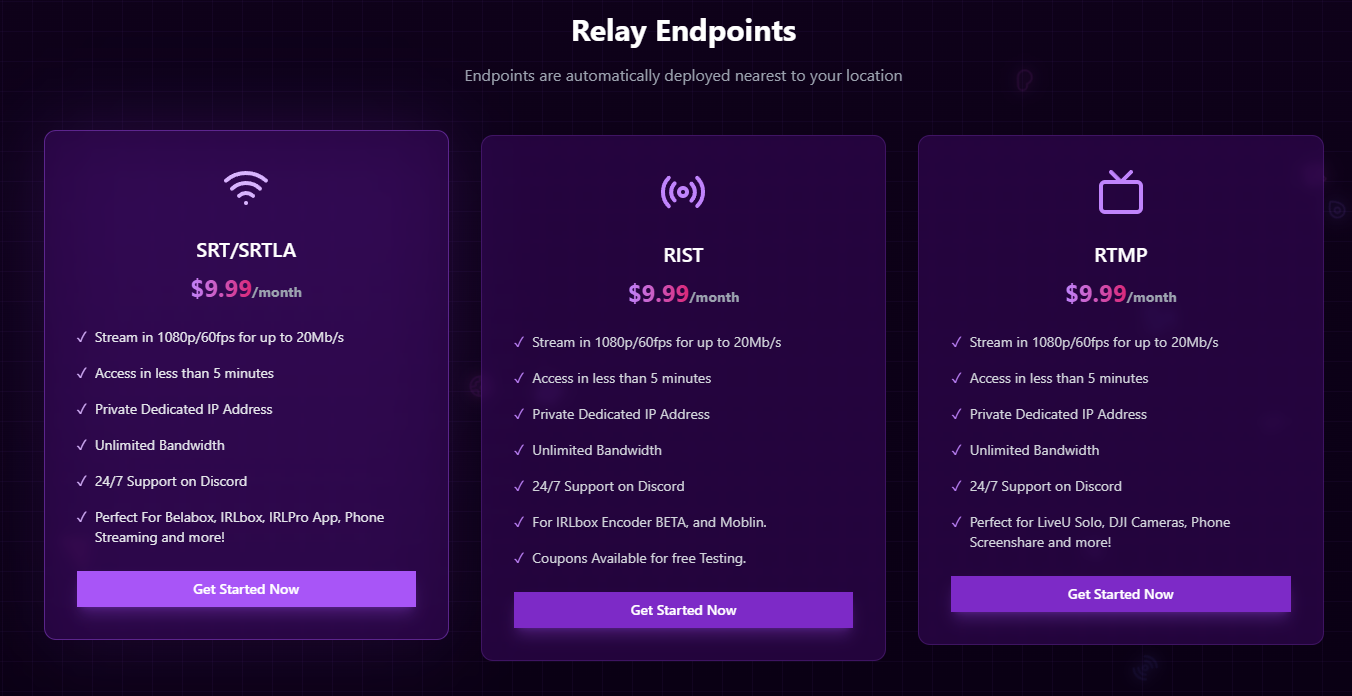
- Navigate to My Services on IRLhosting

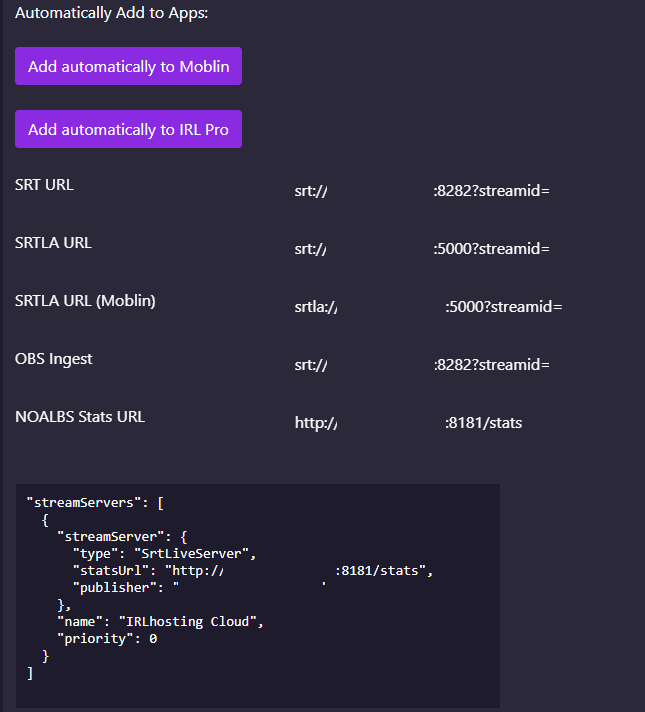
- Enter your information into the "STREAM settings" on IRLbox.local
- Connect a camera, make sure the camera is powered on and you're ready to "Start Stream"!

