
Preamble: Quick Import
Before proceeding in this guide, IRLhosting has quick import options built into all of our paid services. These quick import options can be found within your client area.
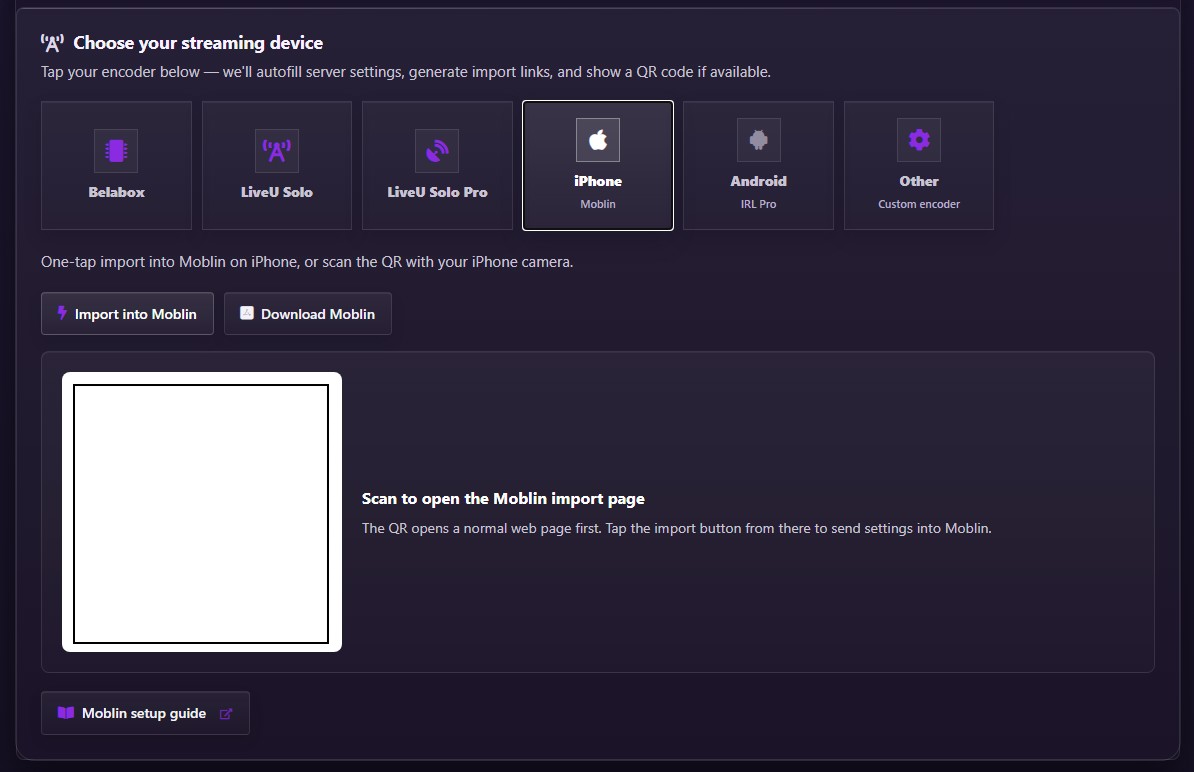
If you've used the quick import feature, skip to the last step in this guide (enable the stream source) and you're ready to stream!
Step-by-Step Manual Moblin Configuration
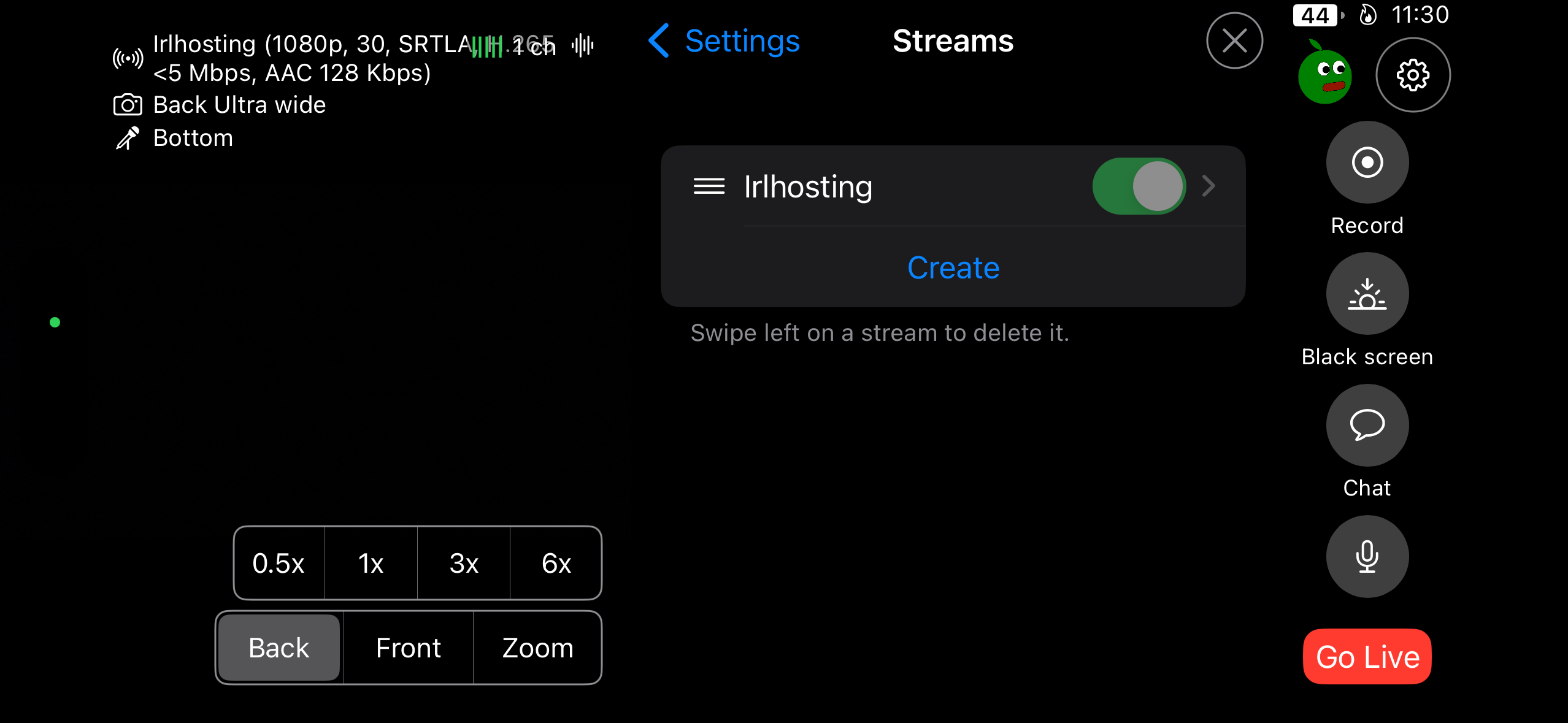
- Open Moblin Settings and select "Streams"
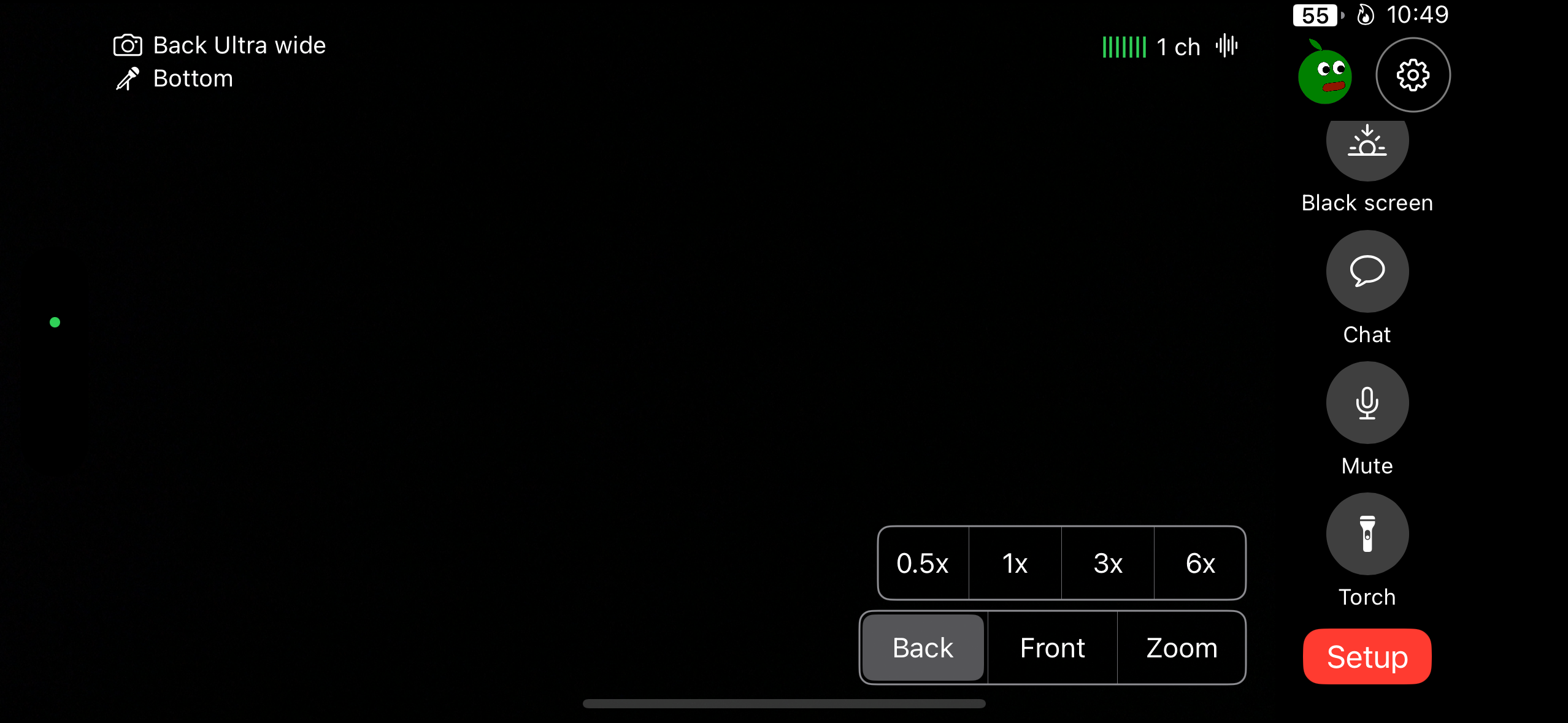
- Tap "Create" to add a new stream
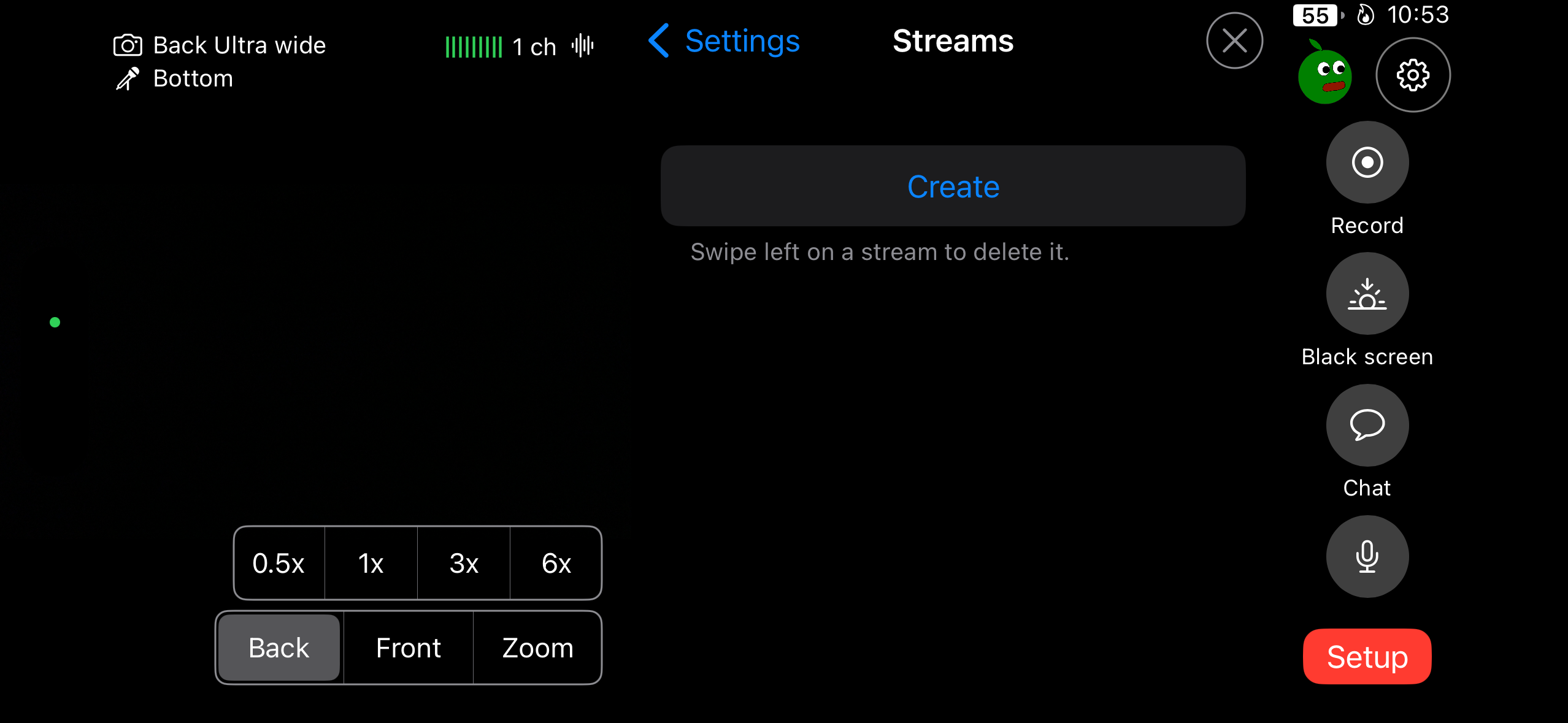
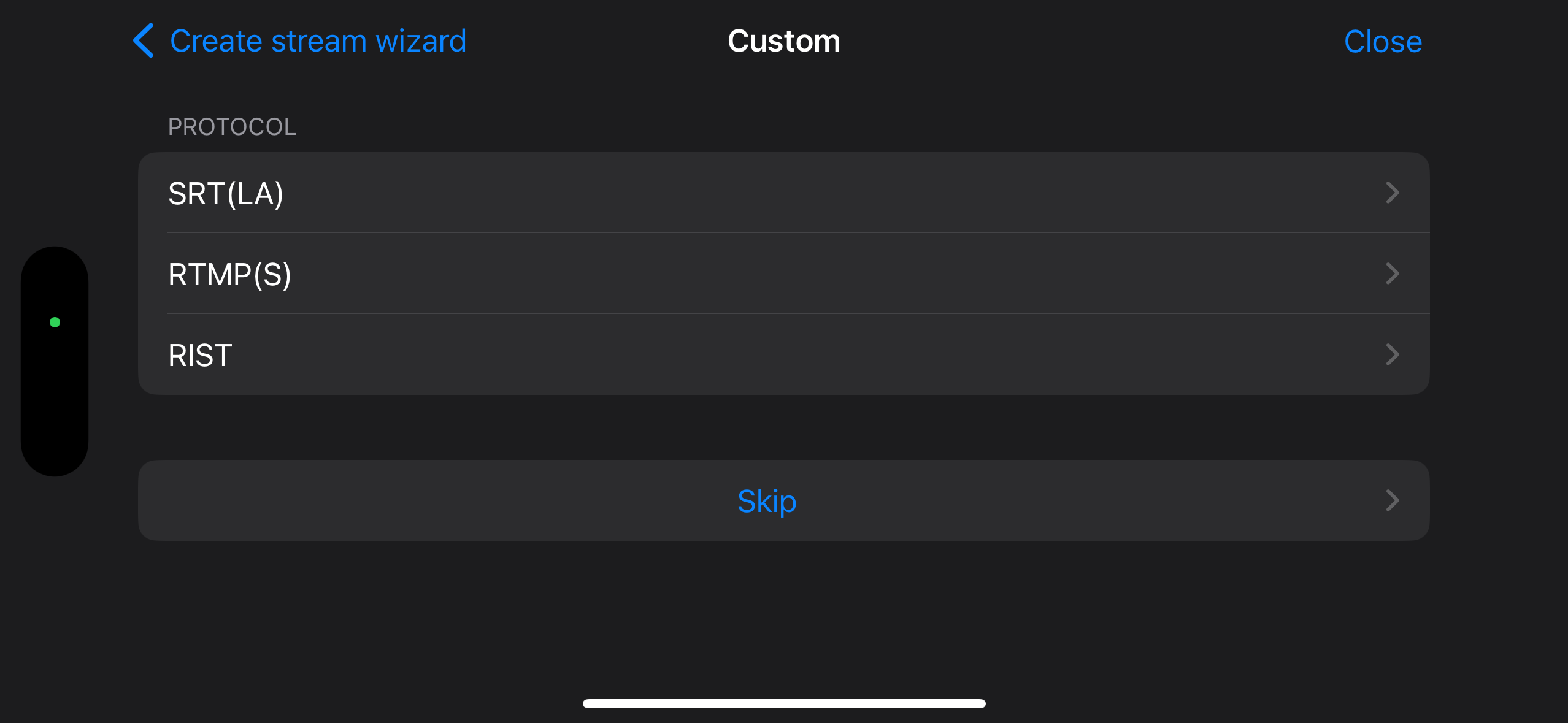
- Select "Custom" from the platform list
- Choose "SRT(LA)" as your protocol
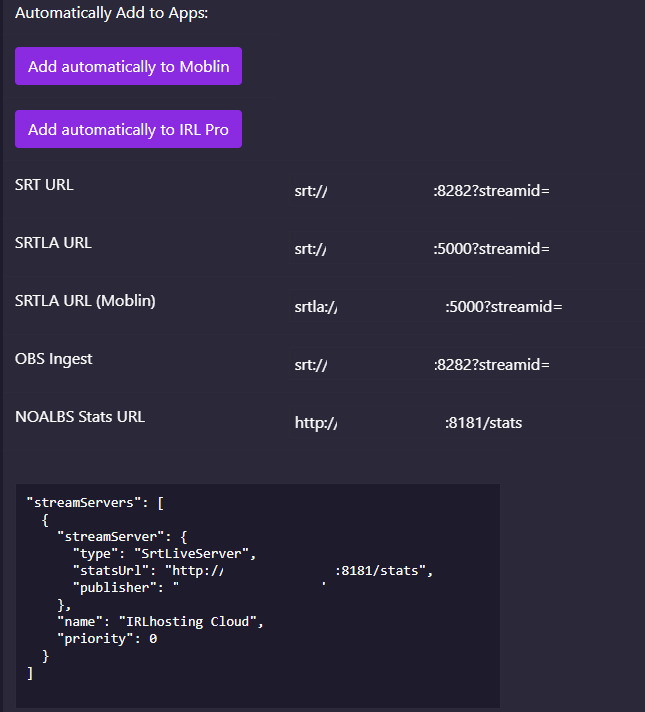
- Get SRT(LA) endpoint from IRLhosting (Cloud servers come with an endpoint provided)

- Navigate to "My Services" on IRLhosting

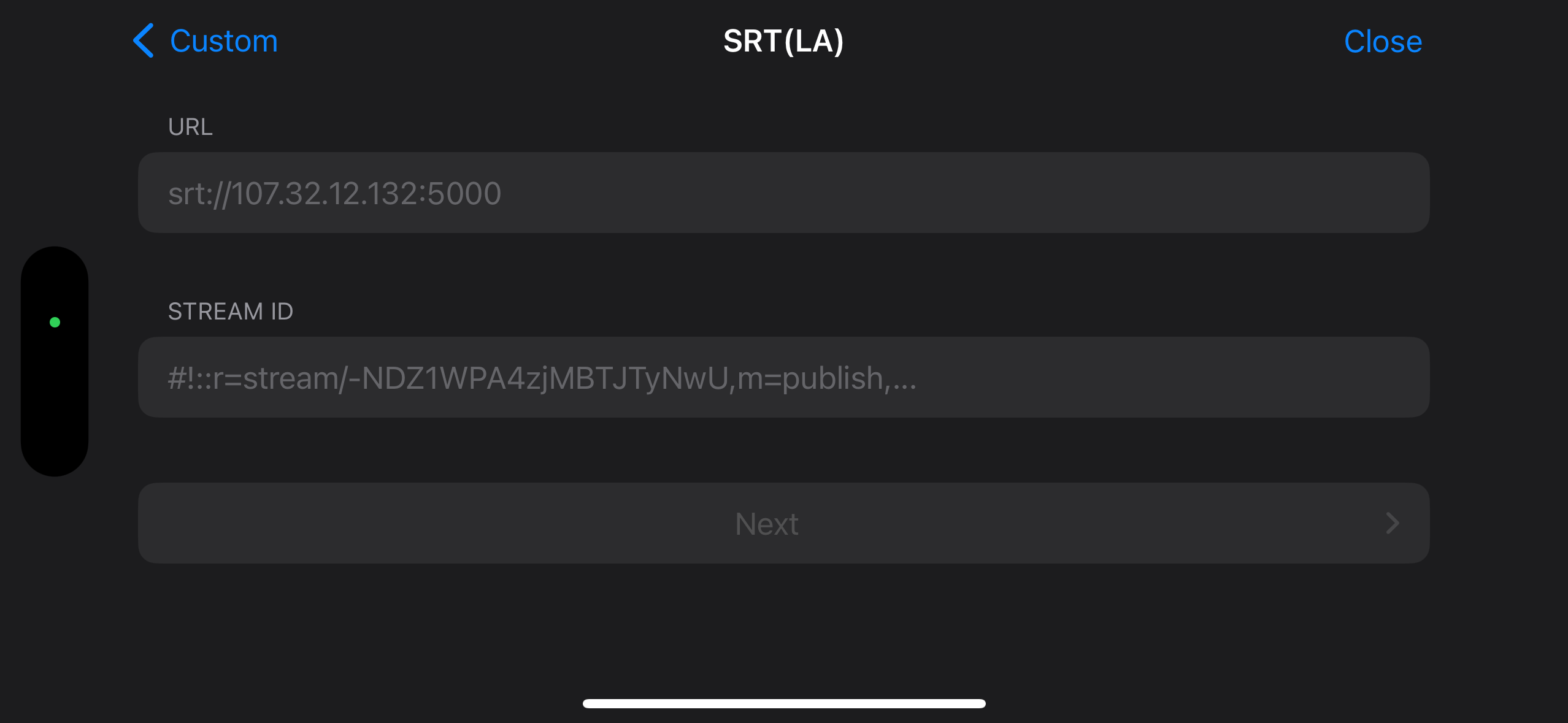
- Enter your SRTLA URL and Stream ID
- Select your streaming profile and you're ready to "GO LIVE!"
IMPORTANT:
DO NOT ENABLE ADAPTIVE RESOLUTION
Adaptive Resolution can cause OBS to crash in low bitrate situations where the resolution is frequently changing. We do not recomend enabling this setting.
